ChatGPT
Use Nano Banana, FLUX and more inside ChatGPT
ChatGPT makes images on its own. To use other models in the same chat, add Tastepix as a custom app: it takes about a minute, then you type @Tastepix and ask. You get 12 models (Nano Banana, FLUX, Seedream, Recraft with SVG export, Qwen, Grok and GPT Image 2.5) plus background removal, upscaling and image-to-video. There’s no daily cap and no subscription: you pay per image from €0.03.
Free credit for new accounts · No card to start · No API keys
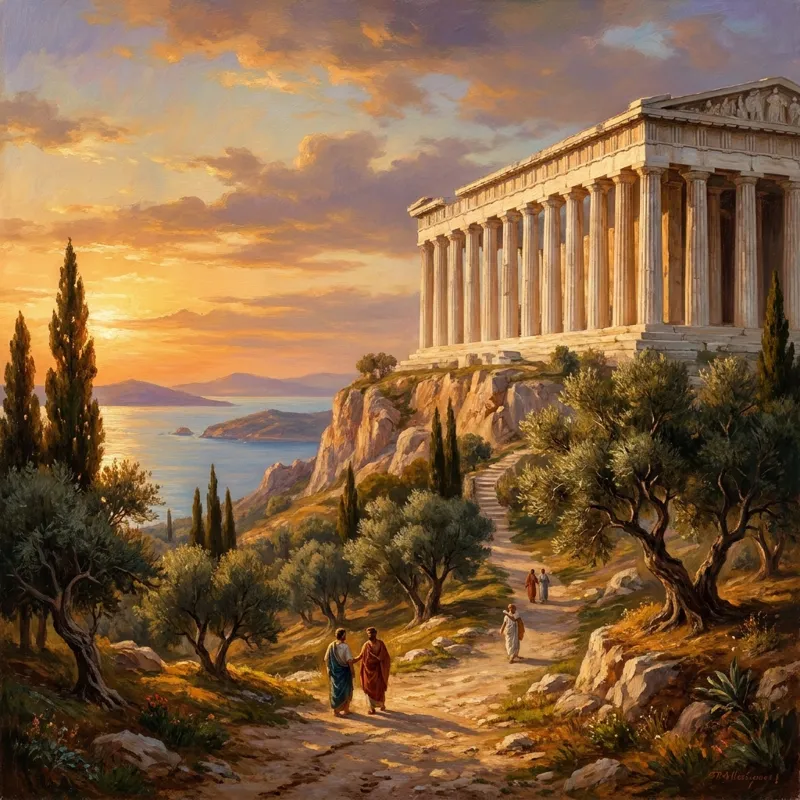 Nano Banana Pro
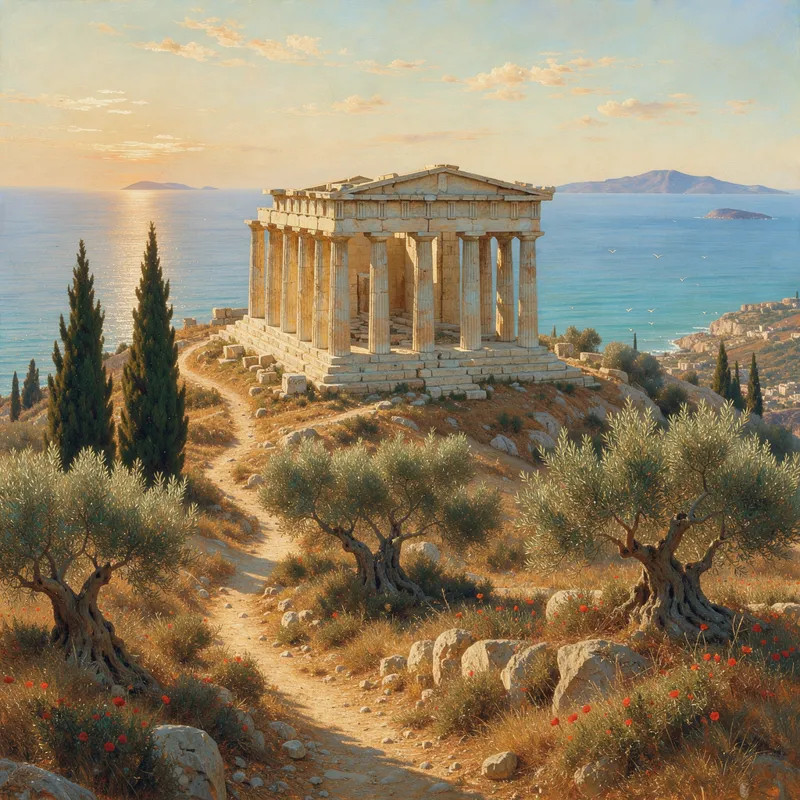 FLUX.3
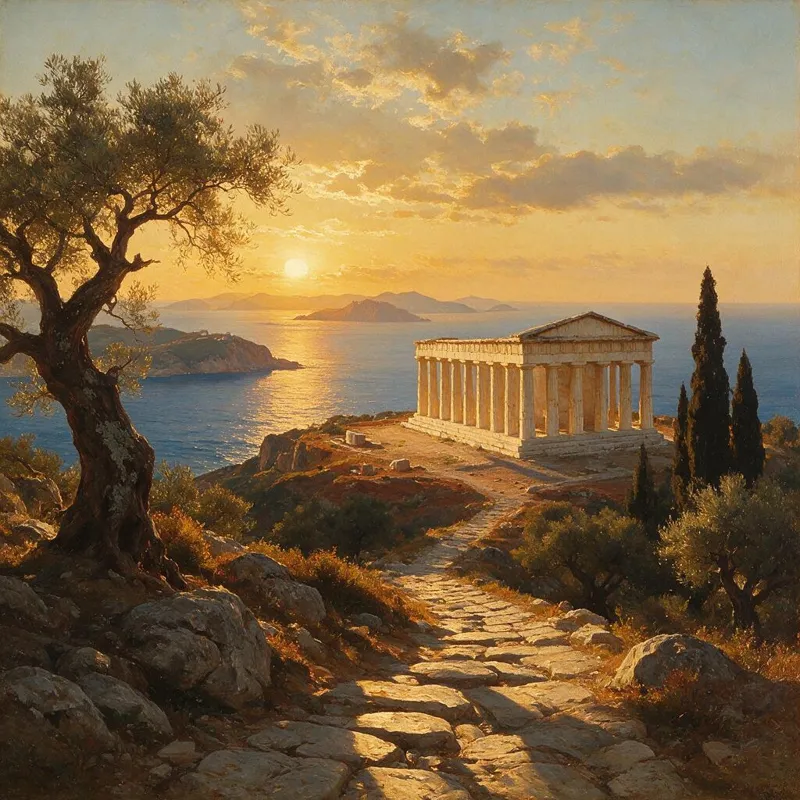 Seedream 5.0 Pro
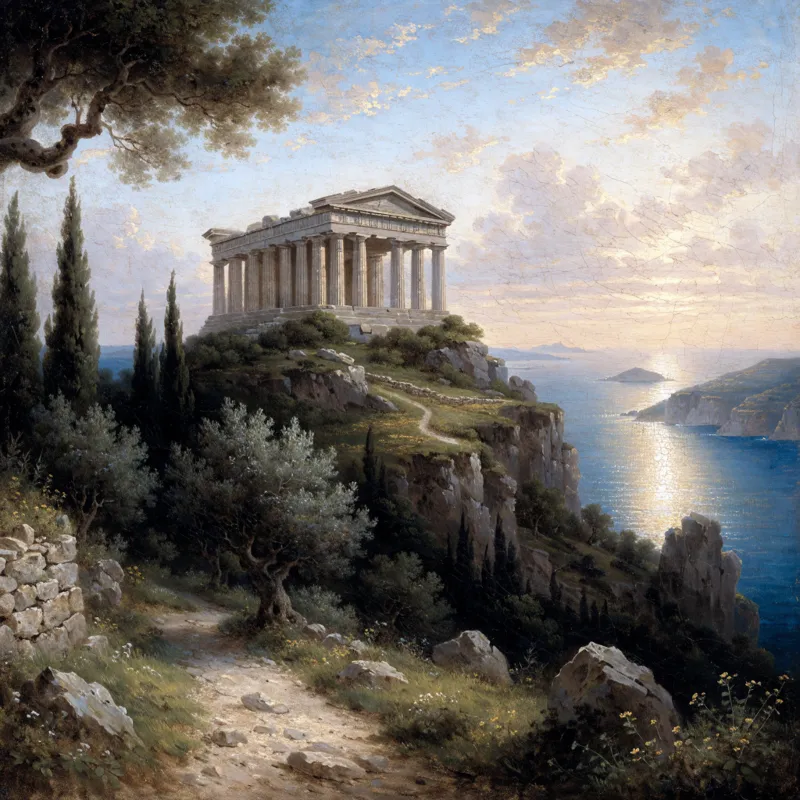 Recraft V4.1
ChatGPT and Tastepix
Keep what ChatGPT does. Add the rest.
Tastepix doesn’t replace ChatGPT’s image generation. It sits next to it, and you choose per image: ChatGPT’s own, or @Tastepix with the model you name.
Built into ChatGPT
What you already have
- Generates and edits images with OpenAI’s own image model
- Built into the chat, no setup
- Included in your ChatGPT plan, with usage limits set by the plan
With @Tastepix in the same chat
What Tastepix adds
- 12 models from Google, OpenAI, Black Forest Labs, ByteDance, Recraft, Qwen and xAI, picked by name
- Real SVG vectors with Recraft V4.1 Vector, for logos and icons
- Background removal (€0.04), 2×/4× upscale (€0.08) and image-to-video (€0.065/s)
- No daily cap: pay per image from a prepaid balance
- One gallery shared with Claude, Claude Code, Cursor and Codex
Same prompt, six models
Not happy with one look? Ask another model.
Paste the prompt after @Tastepix and add “use FLUX.3” or “use Seedream”. Each model reads it its own way.
Nano Banana Pro
“@Tastepix … use Nano Banana Pro”
FLUX.3
“@Tastepix … use FLUX.3”
Seedream 5.0 Pro
“@Tastepix … use Seedream 5.0 Pro”
Recraft V4.1
“@Tastepix … use Recraft V4.1”
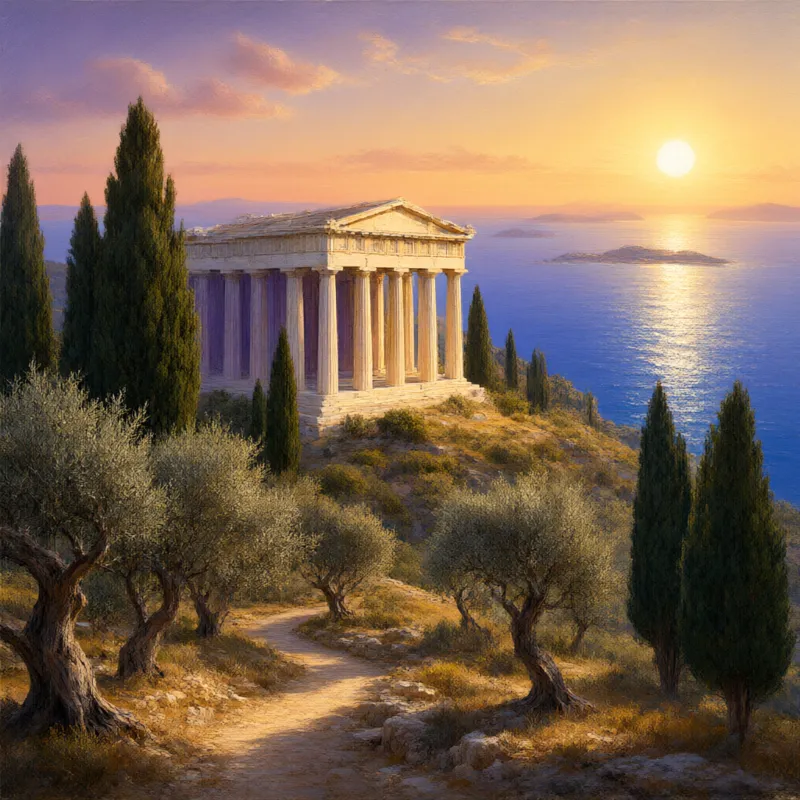
Qwen Image 3
“@Tastepix … use Qwen Image 3”
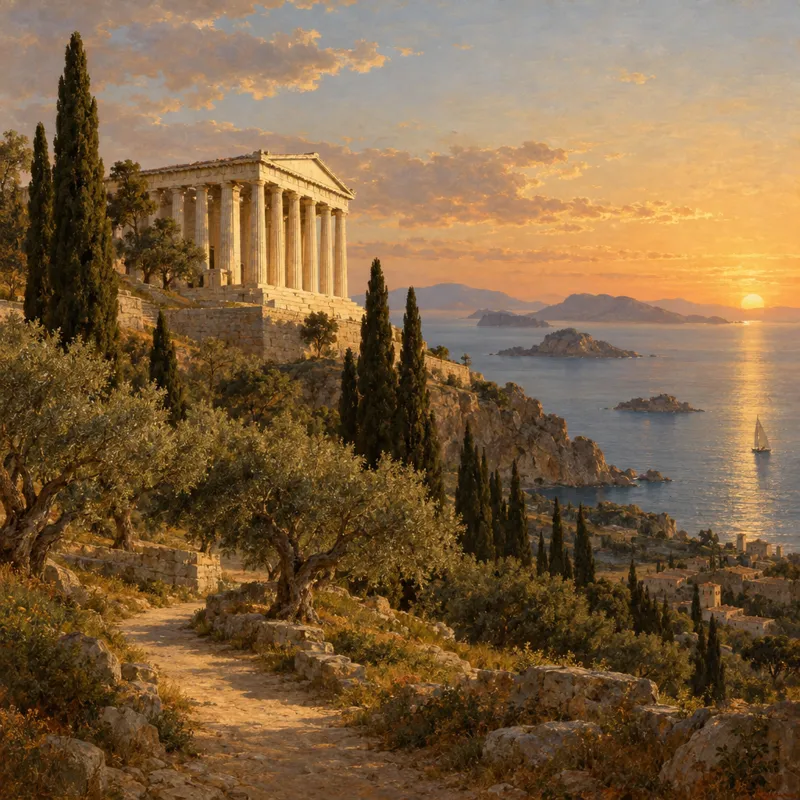
GPT Image 2.5
“@Tastepix … use GPT Image 2.5”
Setup, once
Four steps, about a minute.
You do this once. After that, Tastepix is one @mention away in every chat.
01
Open ChatGPT plugins
Sign in to ChatGPT in a browser and open chatgpt.com/plugins. Adding an app works on the web; once added, Tastepix also shows up in the ChatGPT apps.
Open ChatGPT pluginsOpens chatgpt.com in a new tab
02
Create the app
Click Add, then “Create MCP App” (OpenAI’s docs call it “Add custom MCP server”). Fill in these three fields. If ChatGPT shows a notice about custom apps, read it and confirm.
What to enter
NameTastepixURLhttps://mcp.tastepix.com/mcpAuthenticationOAuth03
Allow access
Click Create. The Tastepix page opens: sign in, then click Allow. New accounts get free credit, with no card needed.
Connect ChatGPT to Tastepix
ChatGPT will be able to
- Create and edit images for you
- Use images you upload
- Pay for each image from your balance
04
Type @Tastepix and ask
In a new chat, type
@Tastepixand ask in plain words. Name a model, or let it pick (Nano Banana 2.1 by default). The image appears right in the chat and in your gallery on tastepix.com.@Tastepix An ancient Greek temple with white marble columns on a hill above the Aegean sea at golden hour, cypress and olive trees, a winding path, distant islands, in the style of a classical 19th-century landscape oil painting. Use Nano Banana Pro.
The result of that promptNano Banana Pro via Tastepix
Custom apps are a ChatGPT feature that OpenAI makes available on some plans, and workspace admins can turn them off. If you don’t see the option, see OpenAI’s help article on developer mode and MCP apps.
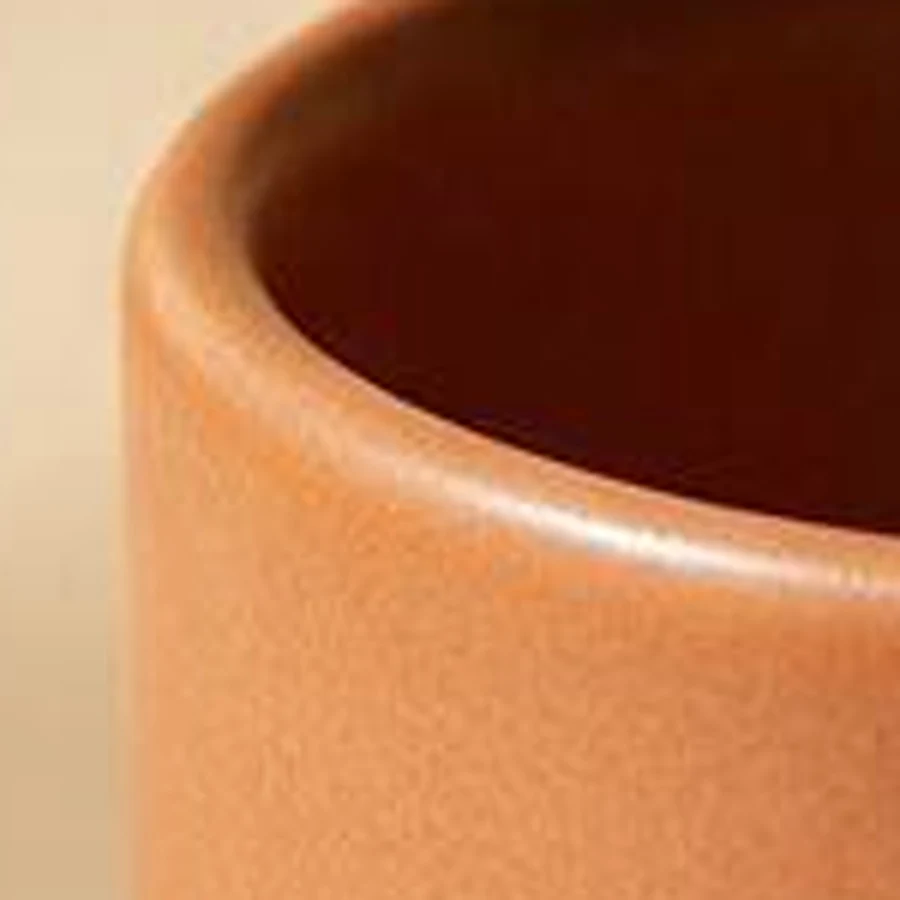
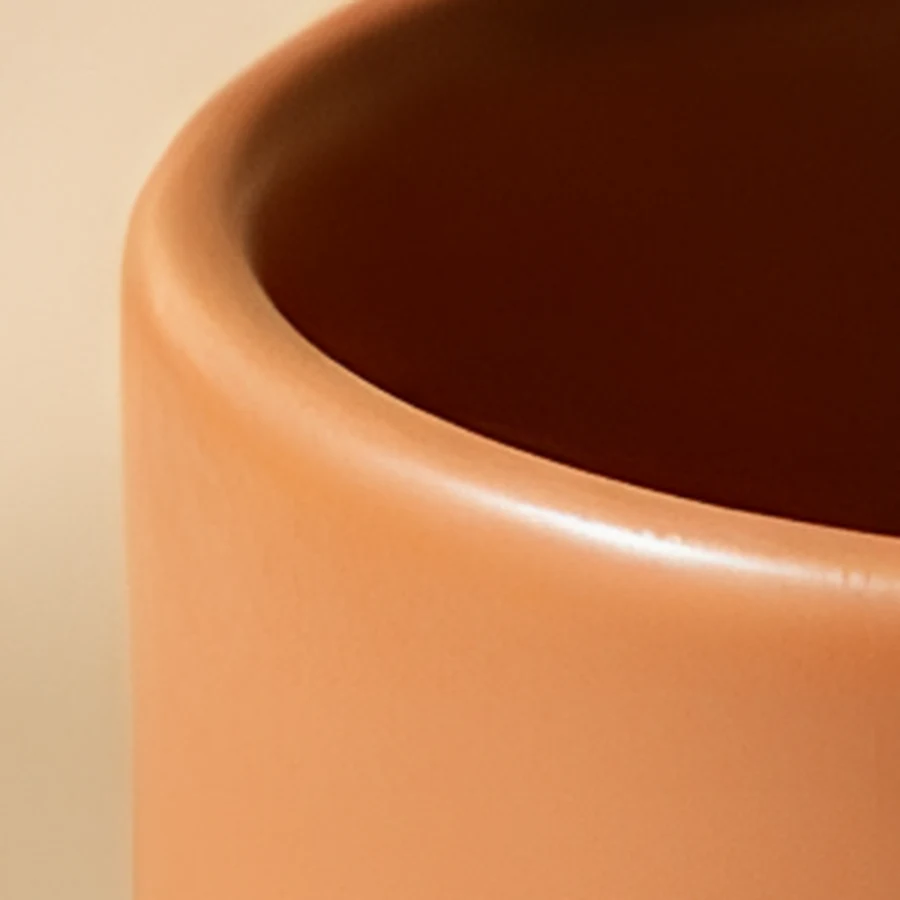
Background removal, upscale, video
Cut it out, enlarge it, animate it.
Works on images you make with any model, and on photos you upload to the chat. Mention @Tastepix and say what you need.

 Original
Models and prices
Pay per image. No daily cap.
Prices as of 14 October 2026. VAT included. Funds are added on tastepix.com, never inside ChatGPT. Full list: pricing.
| Model | Good for | From |
|---|---|---|
| GPT Image 2.5 Fast | cheap everyday drafts | €0.03 |
| Seedream 5.0 Flash | fast photoreal drafts | €0.04 |
| Nano Banana 2.1default | all-rounder, editing | €0.075 |
| FLUX.3 | photorealism | €0.08 |
| GPT Image 2.5 | precise prompts, text | €0.105 |
| Nano Banana Pro | dense text, 4K | €0.265 |
| Recraft V4.1 Vector | logos and icons as SVG | €0.16 |
New accounts get free credit. After that you add funds when you want, from €5, and your balance never expires. Failed generations are refunded automatically.
One account everywhere
Start in ChatGPT, finish in Claude or Cursor.
Every image lands in one gallery on tastepix.com, whichever app made it. Use one as a reference in another app, or download it again later.
ChatGPT’s own image generation is great and stays as it is. Tastepix adds 12 more models to choose from (Nano Banana, FLUX, Seedream, Recraft with SVG, Qwen, Grok and GPT Image 2.5), plus background removal, upscaling and image-to-video, all in the same chat.
Yes. Once Tastepix is added, type @Tastepix and ask for Nano Banana (or Nano Banana Pro) by name. Nano Banana 2.1 is the default when you don’t name a model.
Tastepix is added as a custom MCP app, and OpenAI decides which plans and workspaces can create those; it isn’t available on every plan, and in Business, Enterprise and Edu workspaces an admin may need to allow it. If you don’t see the option, check OpenAI’s help article on developer mode.
You add it once on chatgpt.com in a browser. After that it shows up in the ChatGPT apps too.
Not on Tastepix’s side: you pay per image from a prepaid balance, from €0.03 an image, and make as many as your balance covers. You can set your own daily spending limit if you like. ChatGPT’s built-in image generation keeps its own limits, set by your ChatGPT plan.
Make or upload the image, then ask “@Tastepix remove the background”. You get a transparent PNG for €0.04. Upscaling 2× or 4× is €0.08, and turning an image into a short video is €0.065 a second.
No. Nothing is sold inside ChatGPT. New accounts get free credit, and when you want more you add funds on tastepix.com, from €5 ($10 in USD). There’s no subscription and your balance never expires.
No. You sign in to Tastepix once with OAuth, and Tastepix provides every model.
Yes. One account, one balance and one gallery cover ChatGPT, Claude, Claude Code, Cursor and Codex.

Every image model, one @mention away.
Free credit for new accounts, no card needed.