Claude · web, desktop and mobile
Generate images in Claude
Can Claude generate images? Not on its own, but it can with one connector. Claude has no image model, so it can’t make photos or illustrations by itself. Tastepix adds them: connect it to Claude in about a minute, then ask for a picture in plain words and it appears right in the chat, made by Nano Banana, GPT Image, FLUX, Seedream or any of 12 models. You pay per image from €0.03, with no subscription.
Works on every Claude plan, Free included · Free credit for new accounts
Used Tastepix· generate image
Vintage travel poster for the seaside town of Solmar: bold serif title, lighthouse, terracotta rooftops, deep blue sea, risograph texture
Here’s your Solmar poster. Want a sunset version, or a square crop for Instagram?
The short answer
Claude writes the prompt. Tastepix makes the picture.
Claude is great at words and code, but making a real image needs an image model. The connector gives Claude access to all of ours.
Claude on its own
- Writes and rewrites your copy
- Reads images and PDFs you share
- Draws charts, diagrams and simple SVG shapes with code
- Photos and illustrations
Claude with Tastepix
- Photos, illustrations, posters, logos and product shots
- Edits of your own photos, from a reference
- Background removal, 2× and 4× upscaling, short videos
- Your choice of model: Nano Banana, GPT Image, FLUX and more
Set up once
Add it, connect, then just ask.
About a minute the first time, with no code and no API keys. After that, Tastepix is one more thing Claude can do.
01
Add Tastepix to Claude
Click Add to Claude while signed in to claude.ai. Claude opens its custom connector dialog with Tastepix already filled in: click Continue, then Add. Prefer to do it by hand? Go to Customize → Connectors → Add custom connector and paste the address below.
02
Connect and sign in
Click Connect next to Tastepix. A Tastepix page opens: sign in, or create your account, and click Allow. New accounts get free credit, and no card is needed. Add it once and it’s also there in the Claude desktop and mobile apps.
Works on every Claude plan
- Free
- One custom connector. Make Tastepix the one.
- Pro and Max
- Add it yourself, alongside any others.
- Team and Enterprise
- An owner adds Tastepix in Organization settings → Connectors, then each person clicks Connect.
- Mobile apps
- Use it once it’s added on claude.ai or the desktop app.
03
Ask for an image
In any chat, describe the picture the way you’d brief a designer. Claude turns it into a detailed prompt, Tastepix makes the image, and it appears in the chat. If Claude answers without it, click + at the bottom left of the chat, open Connectors and switch Tastepix on.
“A product photo of our sage-green water bottle on a marble plinth, warm beige backdrop, for the shop page.”
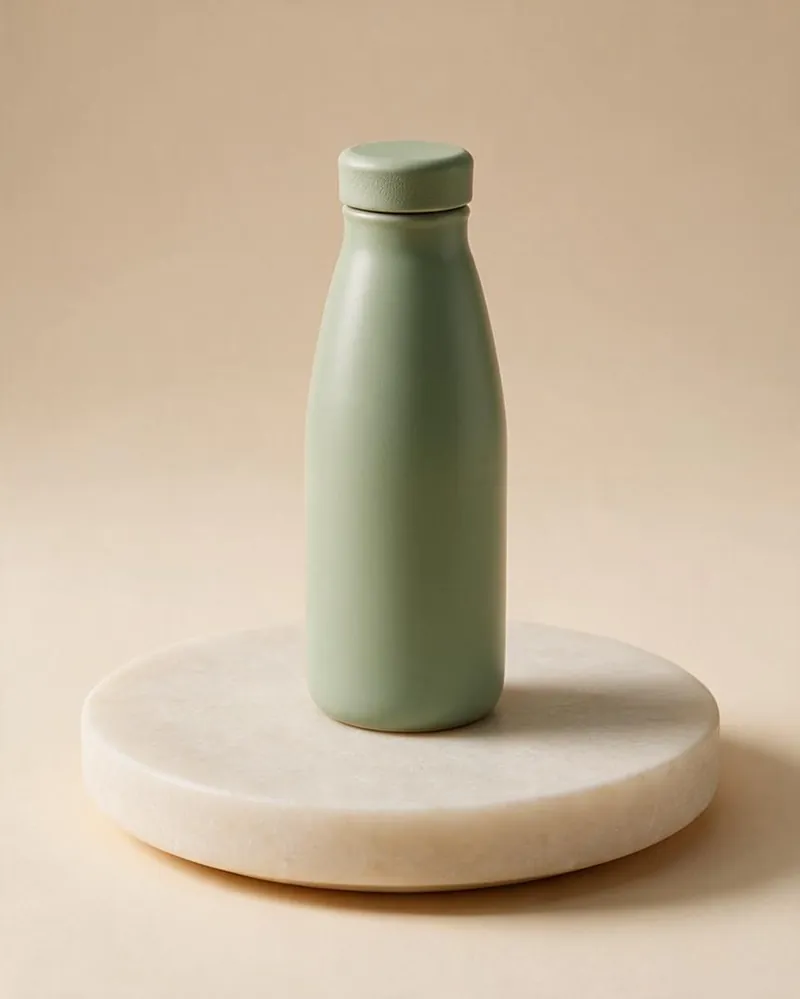
Product shotSeedream 5.0 Pro via Tastepix
What people make in Claude
Visuals for work, asked for in a sentence.
Marketers, founders, consultants and creators use it for the pictures their posts, decks and pages need. Each one below was made with Tastepix from a request like the one under it.
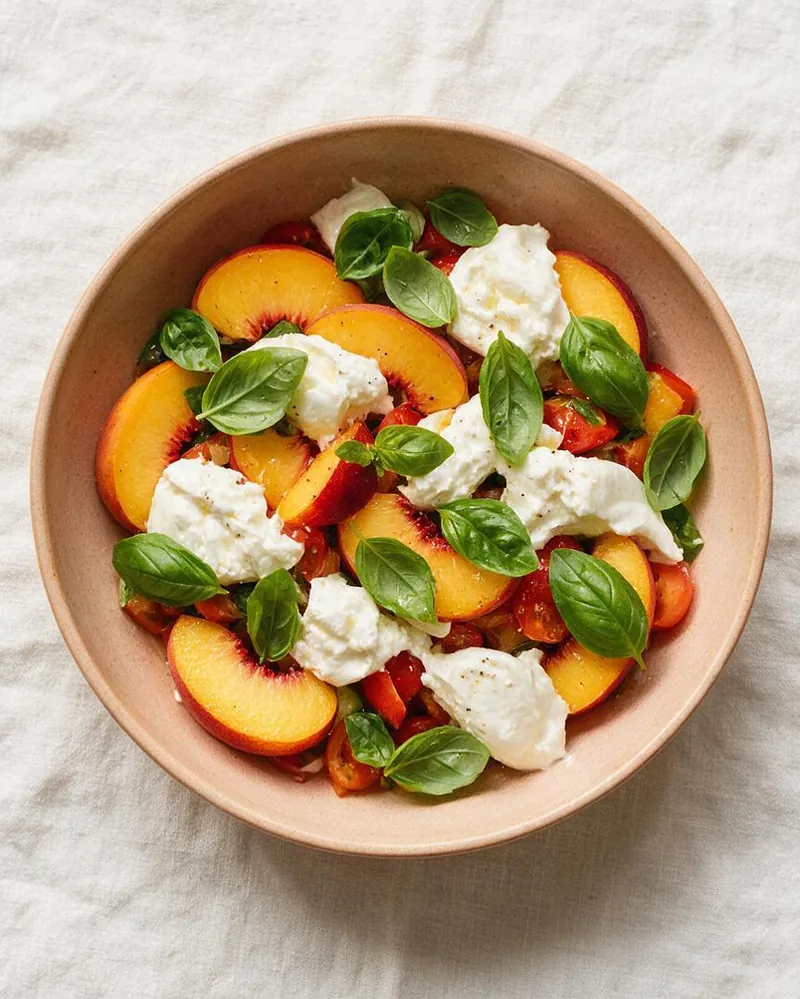
Social postsSeedream 5.0 Pro
“Overhead photo of a peach and burrata salad on linen, for Thursday’s Instagram post, 4:5.”

Slides and decksFLUX.3
“A soft isometric illustration of a tidy craft desk in pastel colours, for the “Our studio” slide.”

Logos and iconsRecraft V4.1
“A simple geometric bird icon in blue and orange, flat, on an off-white rounded square.”
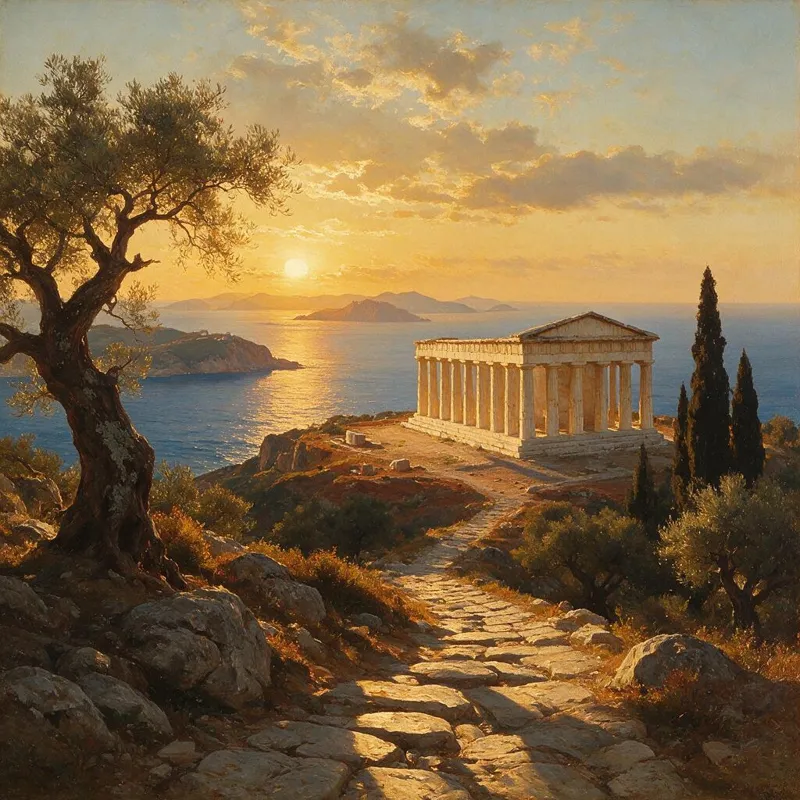
Landing page heroesSeedream 5.0 Pro
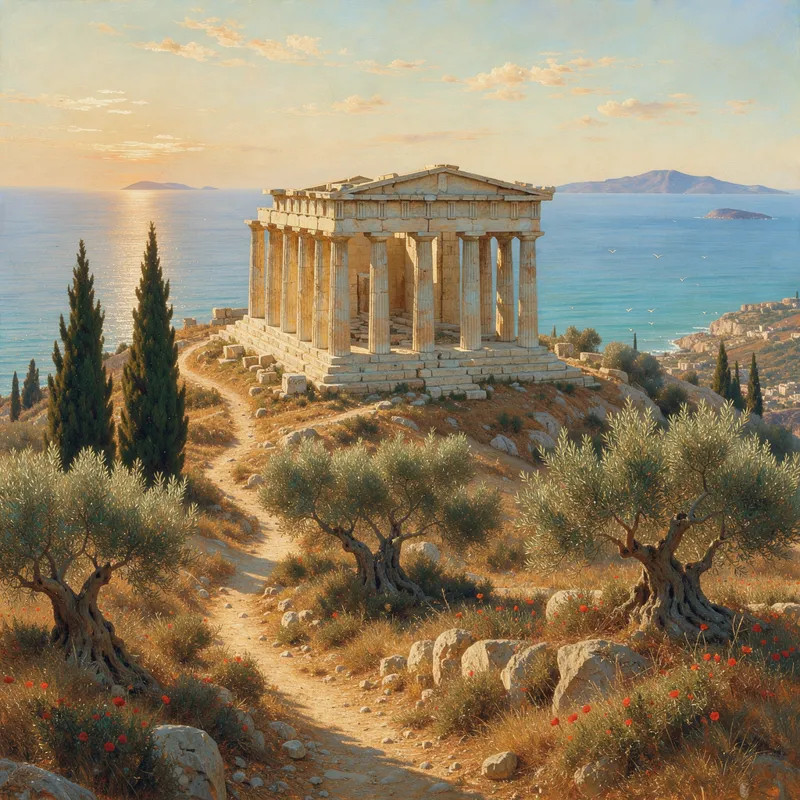
“A Greek temple above the sea at golden hour, painted like a 19th-century landscape, for our travel page.”
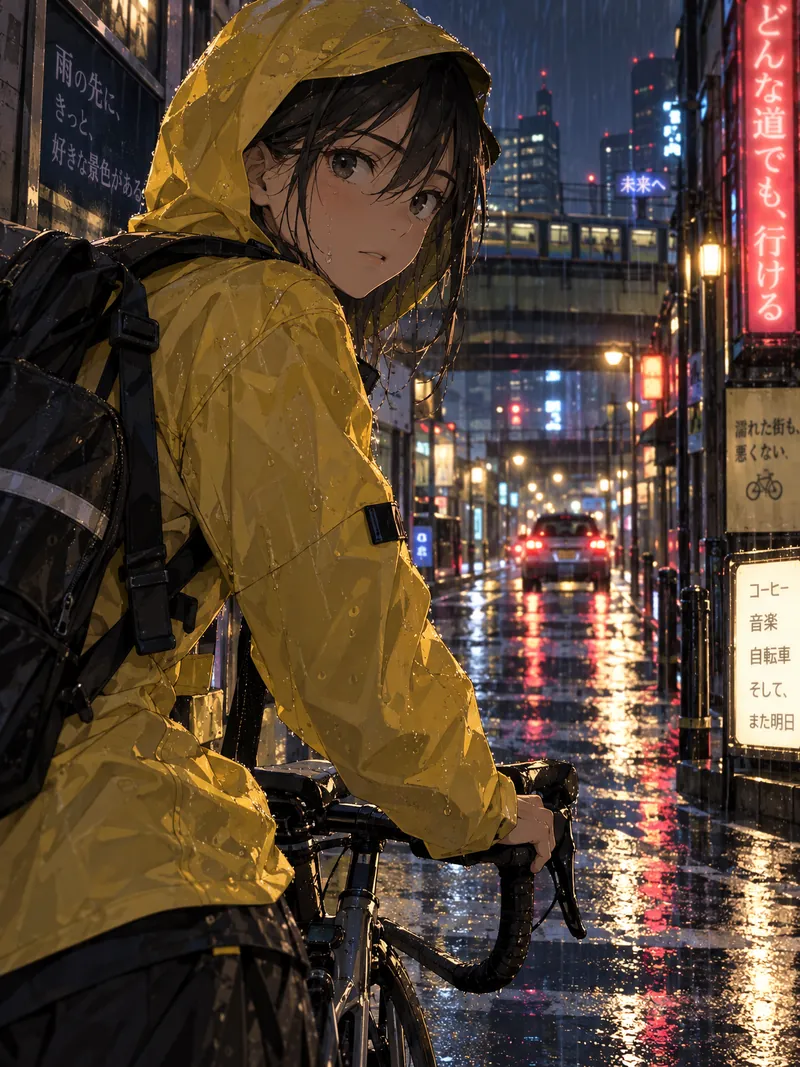
Covers and storiesGPT Image 2.5
“Anime-style cover art of a girl in a yellow raincoat cycling through Tokyo at night, for my newsletter.”

Product photosSeedream 5.0 Pro
“Our terracotta cup and saucer in soft morning light, plain background, for the catalogue.”
Nano Banana, GPT Image, FLUX in Claude
Name the model, or let Claude pick.
Google’s Nano Banana, OpenAI’s GPT Image, FLUX, Seedream and more, all through the same connector. Same request, three models:

Nano Banana Profrom €0.265
> “Make it with Nano Banana Pro”

GPT Image 2.5from €0.105
> “Try GPT Image instead”
FLUX.3from €0.08
> “Now one with FLUX”
12 models in all, each with a fixed price per image. If you don’t name one, Claude uses Nano Banana 2.1. See every model and price.
Right in the conversation
Every image arrives ready to use.
Tastepix shows each image in its own viewer inside the chat, with the buttons you need next. No new tab, no other app.
- DownloadFull size, straight from the chat.
- ReferenceUse it as the starting point for the next edit.
- Remove backgroundA transparent PNG, €0.04.
- Upscale 2×Sharper and bigger for print, €0.08.
- AnimateA short clip with sound, €0.065 a second.


Every image is also saved to your private gallery on tastepix.com, so you can find, download or reuse it later, whichever app you made it in.
One account, every app
Same images, wherever you work.
Your Tastepix balance and gallery are shared across apps. Add it to the others the same way.
New to Tastepix? See how it works or check the prices.
Not on its own. Claude can read images you share and draw charts or simple SVG graphics with code, but it has no model for photos or illustrations. With the Tastepix connector added, it can make them right in the chat.
Yes. Anthropic lets Free accounts add one custom connector, so Tastepix can be that one. Pro and Max can add as many as they like. On Team and Enterprise, an owner adds Tastepix once in Organization settings, then each person clicks Connect.
Yes. Add it once on claude.ai or in the desktop app and it shows up everywhere you use Claude. The mobile apps can use a connector you have already added, but cannot add a new one.
No. Your Tastepix account covers every model, with one balance. There are no API keys to create.
You pay per image from a prepaid balance, from €0.03 per image, with no subscription. New accounts get free credit. Your first top-up starts at €5 ($10 in USD), failed images are refunded automatically, and your balance never expires.
Nano Banana 2.1 unless you say otherwise. Name any model in your message, like “use FLUX.3” or “make it with GPT Image”, and Claude switches.
Yes. Ask Claude to edit a photo and Tastepix shows a box in the chat where you drop it. You can also click Reference on any image Claude made and describe the change.
They appear in the chat, where you can download them, and they are kept in your private gallery on tastepix.com, so you can find them again from any app.
In Claude, open Customize, then Connectors, and remove Tastepix. You can also disconnect your apps from Settings on tastepix.com.

Your next visual, one message to Claude away.
Free credit for new accounts, no card needed. Then pay per image, VAT included.