How to paste an image in Claude Code
Paste with Ctrl+V, drag the file in, or give Claude its path. Claude Code inserts an [Image #N] chip and can read the picture — describe a screenshot, match a mockup, write CSS from it. It cannot generate images on its own. Add Tastepix as an MCP server and the same session can make photos, batches of up to 4, and SVGs, then save them in the repo. 12 models, no API keys, pay per image from €0.03.
Full install, sign-in and troubleshooting live on /claude-code. Paste shortcuts below match Anthropic’s Claude Code docs.
Three official ways
Paste, drop, or point at the file.
These are the methods Anthropic lists for working with images in Claude Code. There is no hidden shortcut beyond what the docs describe.
01
Paste from the clipboard
Copy a screenshot or image, then press Ctrl+V in the Claude Code prompt. On iTerm2, Cmd+V also works. On Windows and WSL use Alt+V if the terminal intercepts Ctrl+V. A successful paste inserts an
[Image #N]chip at the cursor, so you can write “fix the overlap in [Image #1]”.02
Drag the file in
Drag and drop an image into the Claude Code window. Anthropic documents this as the first way to add an image to the conversation. In the Claude Code desktop app you can also attach from the + button next to the prompt.
03
Give Claude the path
Type the path in the prompt, for example
Analyze this image: assets/mockup.png. Relative and absolute paths both work. Dragging a file into some terminals pastes the path as text — that is enough for Claude to open it.
Key table: Interactive mode. Image workflow: Common workflows → Work with images. When Claude refers to [Image #1], Cmd+Click (Mac) or Ctrl+Click (Windows/Linux) opens it in your default viewer.
What Claude Code can do
It can read images. It cannot generate them.
Claude Code has no image model. A paste is context for the coding model, not a generation. That is why people add an image MCP server.
Claude Code on its own
- Read a screenshot, mockup, diagram or photo you paste or point at
- Describe UI, find a visual bug, or write CSS and HTML from a design
- Work with several images in the same conversation
- Draw simple SVG shapes or diagrams with code, if you ask it to write the markup
- Generate a photo, illustration or product shot from a text prompt
- Edit the pixels of an image you pasted (it can describe a change, not apply it)
- Remove a background, upscale, vectorize or animate a still
With Tastepix
- Photos, illustrations, icons and product shots from a prompt
- Edits of a file in the repo, from a path or a public URL
- Up to 4 options in one generate_image call
- SVG via Recraft Vector or vectorize_image, plus cutouts, upscale and short video
- Files saved straight into the project, and kept in your gallery
Then generate
Add Tastepix, ask for the file.
Same commands as the Claude Code setup. One sign-in, then you ask in plain words.
The server
Adds Tastepix to this project. Use --scope user for every project. Then start claude, type /mcp, choose tastepix and sign in — or run claude mcp login tastepix.
claude mcp add --transport http tastepix https://mcp.tastepix.com/mcpclaude mcp add --transport http tastepix --scope user https://mcp.tastepix.com/mcpOr the plugin
In a Claude Code session: /plugin marketplace add paablobello/tastepix-mcp, then /plugin install tastepix@tastepix. From the shell, the same two steps. That registers the hosted MCP server and the Tastepix skill. Documented in tastepix-mcp.
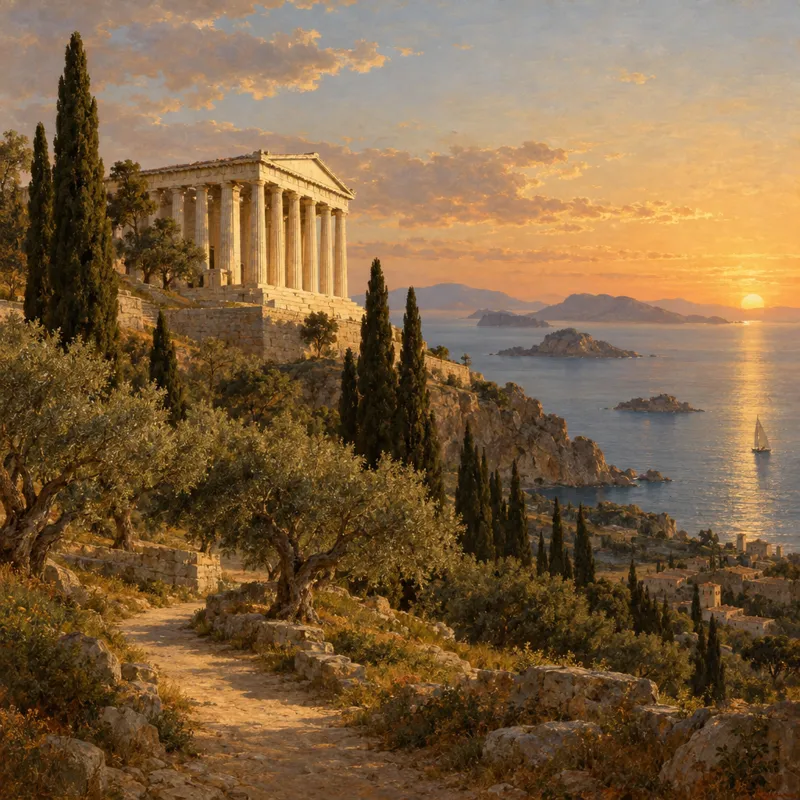
claude plugin marketplace add paablobello/tastepix-mcpclaude plugin install tastepix@tastepixMake a hero image of a Greek temple above the sea at sunset for the about page and save it to public/images/about.png.
Edit an existing image
Tastepix needs the file, not only the paste.
A clipboard paste is enough for Claude to see the picture. To change those pixels — background off, restyle, vectorize — point Claude at the file on disk.
Give Claude the path, or drag the file into the terminal so the path is pasted, and describe the change. Claude Code can run code, so it calls request_upload, PUTs the file to a one-time Tastepix upload link, then edits it. A public https image URL works as a reference too.
Take assets/team-photo.jpg, remove the background with Tastepix and save it as public/images/team.png.
Accepted uploads are PNG, JPEG and WebP. Parameters for every tool, including request_upload, are on /tools.


Batches and SVG
Several options, or a vector file.
generate_image takes a count of 1–4. SVG is either a Recraft Vector generation or vectorize_image on a file you already have.
Up to 4 in one call
Use Tastepix to make four 16:9 Open Graph options for the launch post, then save the one I pick to public/og/launch.png.
Each image is charged at its price. For a whole folder, ask in one message and Claude walks the list. A daily spending limit in Settings puts a ceiling on a long run.

og/summer-launch
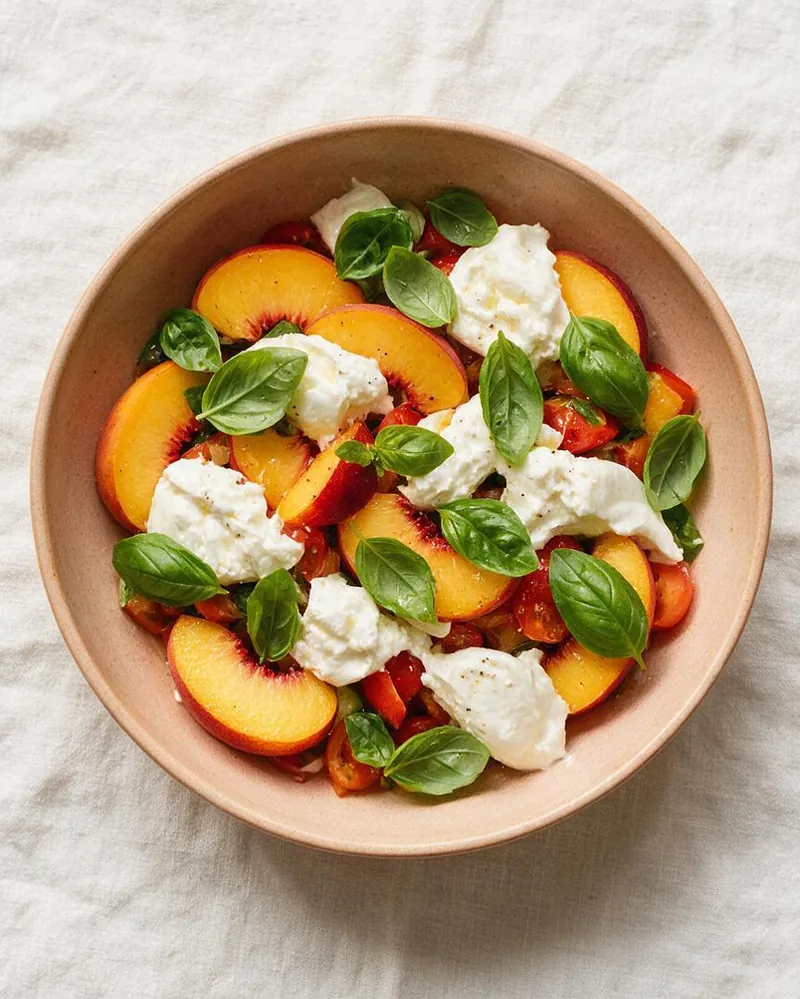
og/recipe-roundup
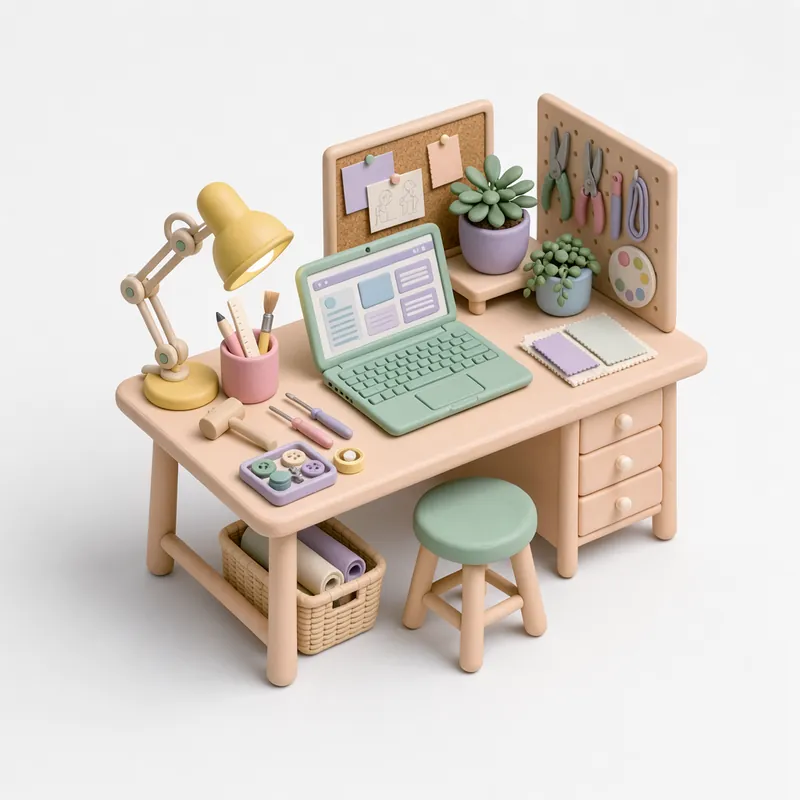
og/how-we-ship
SVG logos and icons
Make a flat monogram for Solmar with Recraft V4.1 Vector and save it as src/assets/logo.svg. If I already have the PNG, vectorize that file instead.
Recraft V4.1 Vector returns a real SVG. vectorize_image converts an existing bitmap (best on clean artwork; photos come out stylized). Both land in the repo at the path you name, and in your Tastepix gallery.

Models and prices
The same list as /pricing.
VAT included. Source: /pricing. Default model: Nano Banana 2.1.
| Model | Good for | From |
|---|---|---|
| GPT Image 2.5 Fast | cheap everyday drafts | €0.03 |
| Seedream 5.0 Flash | fast photoreal drafts | €0.04 |
| Nano Banana 2.1default | all-rounder, editing | €0.075 |
| FLUX.3 | photorealism | €0.08 |
| GPT Image 2.5 | precise prompts, text | €0.105 |
| Nano Banana Pro | dense text, 4K | €0.265 |
Tools: background removal €0.04 · upscale 2×/4× €0.08 · vectorize_image €0.02 · image-to-video €0.065/second. All models and sizes.
FAQ
Claude Code images, answered.
Setup, sign-in and removing the server are on /claude-code. Something else? Write to hola@tastepix.com.
Copy the image to the clipboard, then press Ctrl+V in the Claude Code prompt (Cmd+V in iTerm2; Alt+V on Windows and WSL). Claude Code inserts an [Image #N] chip you can refer to in the same message. Shortcuts are from Anthropic’s Claude Code docs.
Drag and drop the file into the Claude Code window, or type its path in the prompt, for example “Analyze this image: /path/to/screenshot.png”. In the Claude Code desktop app you can also attach from the + button next to the prompt.
Not natively. Claude Code can read images you paste or point at; it has no image model, so it cannot make a photo or illustration on its own. Add an image MCP server such as Tastepix, then ask for the file.
It can see the pixels: describe a screenshot, find a bug in a UI, match a mockup, or write CSS and HTML from a design. It cannot generate a new image from that paste unless you add an image MCP server.
Claude can see a clipboard paste, but Tastepix needs the file itself. Give Claude the file’s path (dragging the file into the terminal pastes the path) and describe the change. Claude uploads it to Tastepix through a one-time upload link, then edits it. A public https image URL works as a reference too.
Run claude mcp add --transport http tastepix https://mcp.tastepix.com/mcp (or claude mcp add --transport http tastepix --scope user https://mcp.tastepix.com/mcp for every project), then type /mcp, choose tastepix and sign in. You can also run claude plugin marketplace add paablobello/tastepix-mcp and claude plugin install tastepix@tastepix. After that, ask in plain words and name the path to save. The full setup is on /claude-code.
generate_image takes a count of 1 to 4 in one call — useful for options of the same prompt. Each image is charged on its own; a failed one is refunded. For a whole folder (OG images, icons), ask in one message and Claude walks the list.
Ask for a new logo or icon with Recraft V4.1 Vector, or turn an existing file into SVG with vectorize_image (€0.02 per image). Tell Claude where to save the .svg in the repo.
You pay per image from a prepaid balance, from €0.03 per image, with no subscription. Background removal is €0.04, upscale 2×/4× is €0.08, vectorize_image is €0.02, image-to-video is €0.065/second. Your first top-up starts at €5 ($10 in USD). Failed generations are refunded automatically, and your balance never expires. Current prices are on /pricing.
No. You sign in to Tastepix once, and Tastepix provides every model.
In a Claude Code session run /plugin marketplace add paablobello/tastepix-mcp, then /plugin install tastepix@tastepix. From your shell the same steps are claude plugin marketplace add paablobello/tastepix-mcp and claude plugin install tastepix@tastepix. That adds the hosted MCP server and the Tastepix skill. Documented in the public tastepix-mcp repo.

Paste the image. Then generate the rest.
Free credit for new accounts, no card needed.